
Publish a post with a colored background.
Extension download: Chrome Extension Collection
Features
Publish posts with colored backgrounds and attach images if desired. Support for posting to groups or the timeline.
How to Use
Note: You must be logged in to your Facebook account before using this feature.
Enter the content you want to publish in “Content.” You can optionally attach images (not required). Multiple images are supported via selection or drag-and-drop.
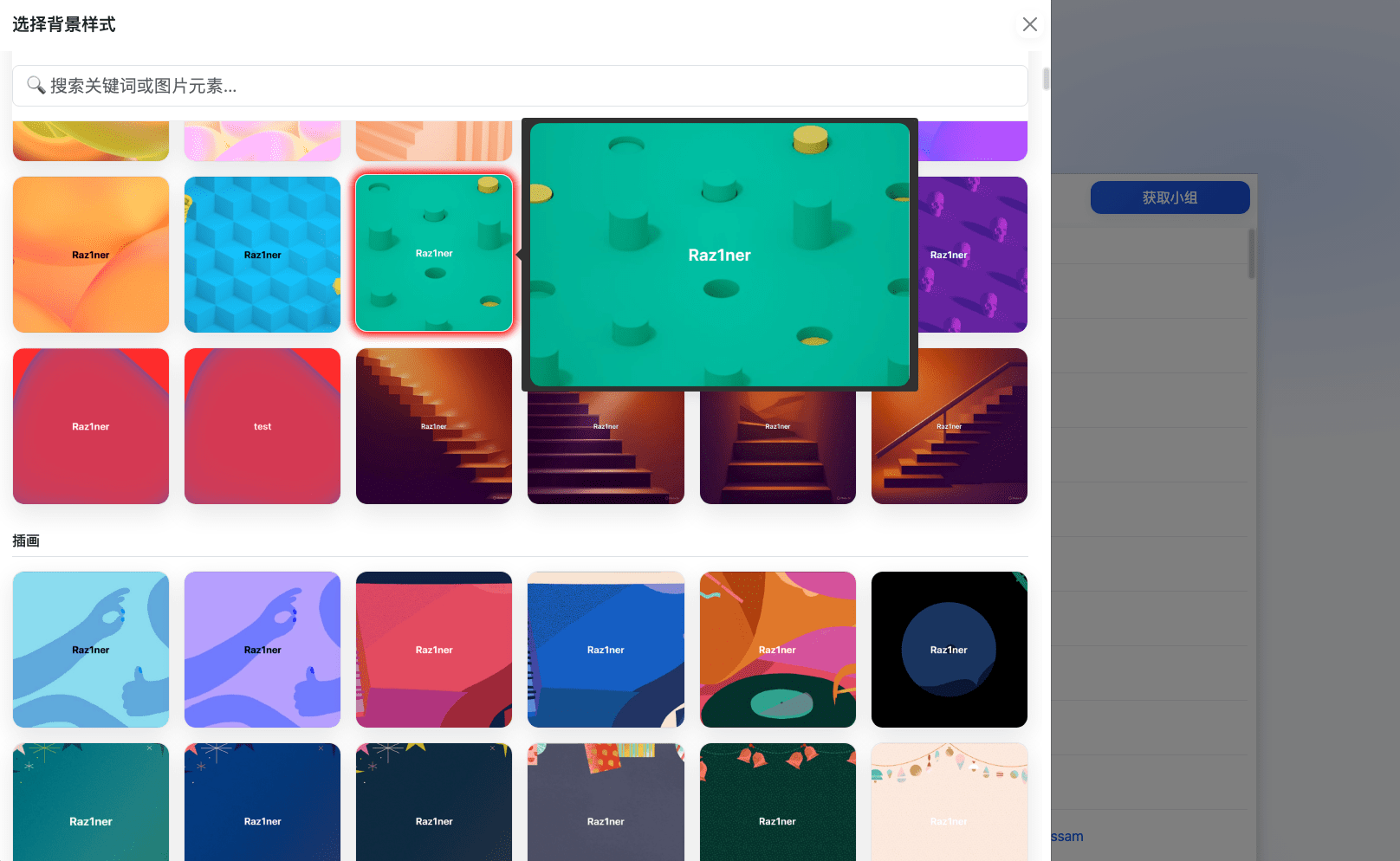
Click “Select Background.” Hover over a background to preview it in a larger view, or quickly find your favorite background by searching with keywords or image elements.
Post to Timeline
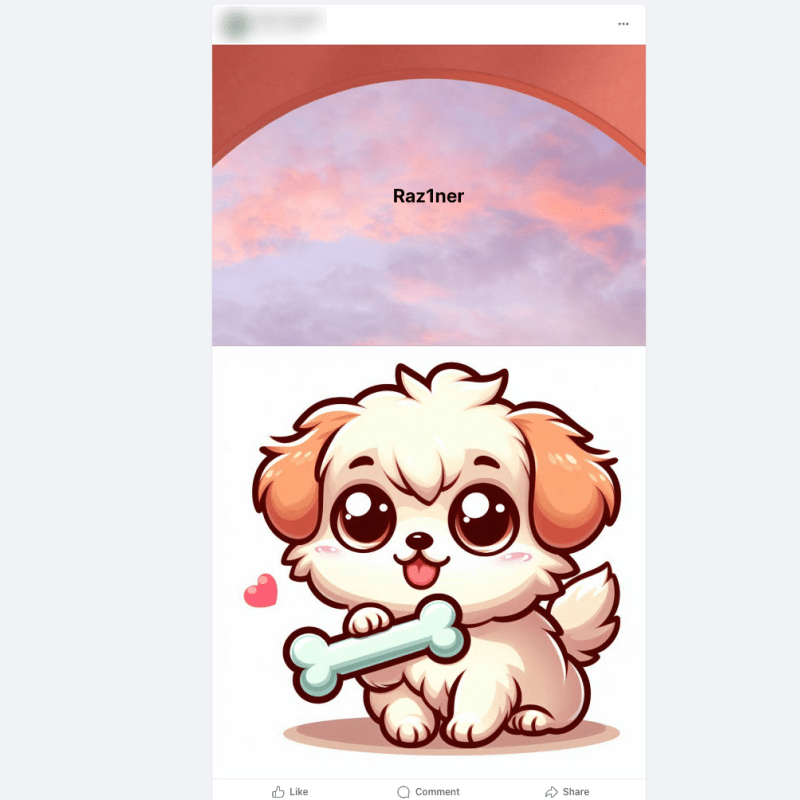
No need to select any groups. Click “Post” and the post will be published to your timeline. The result will look like the example below.
Post to Groups
Method 1
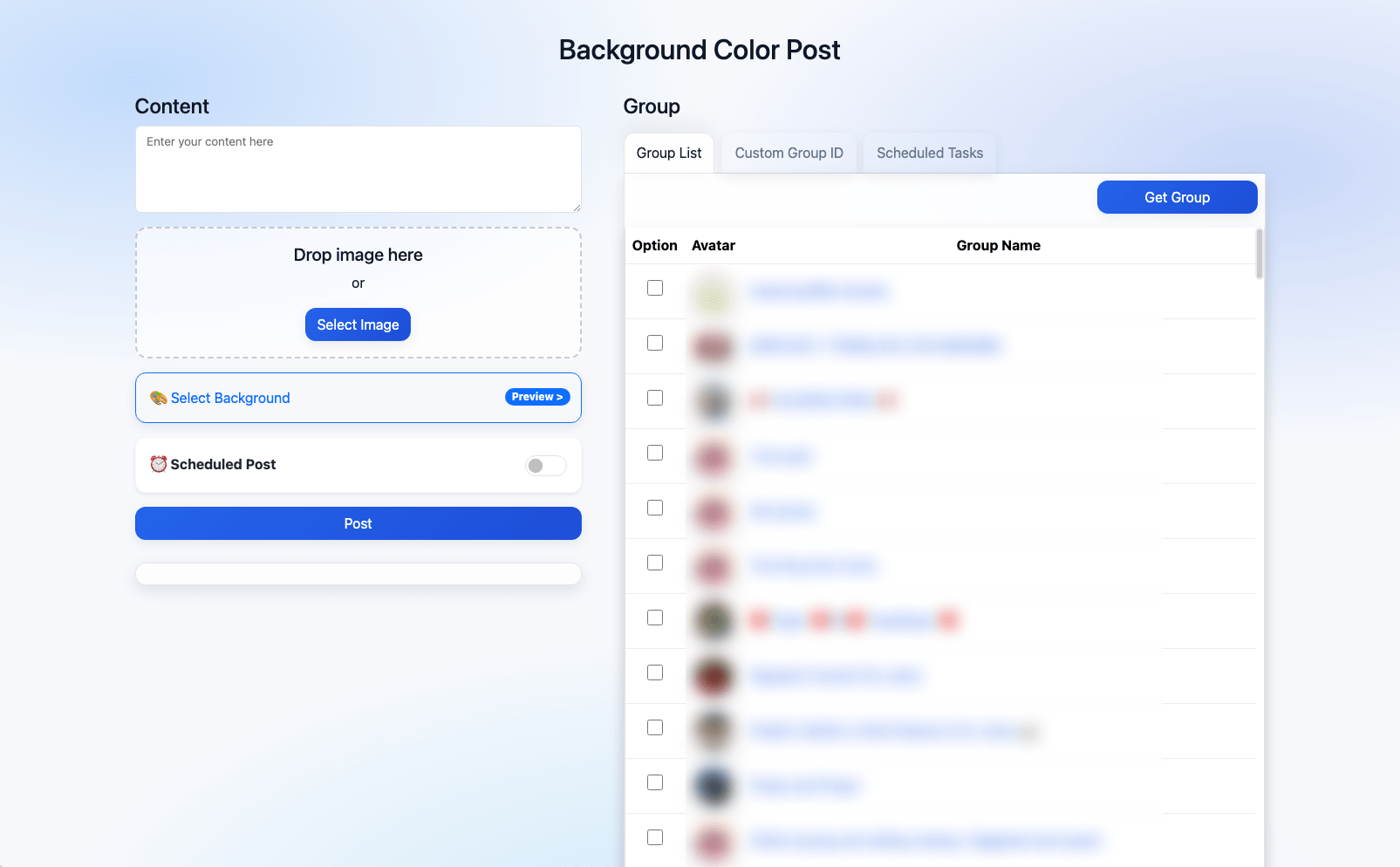
Click “Get Group” on the right to fetch all groups associated with your account. Select the groups you want to post to from the list.
Method 2
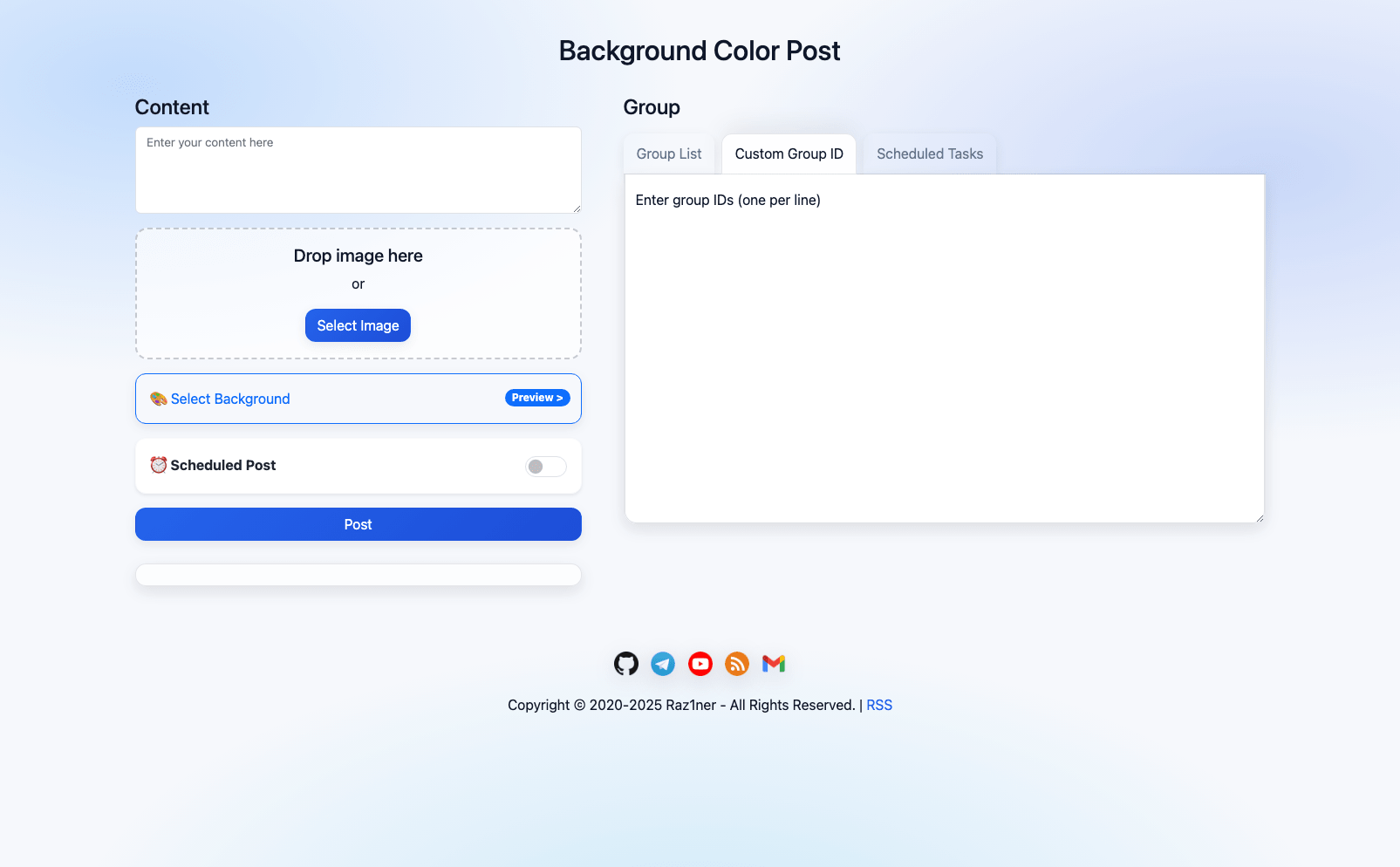
Click “Custom Group ID” Enter group IDs in the input box, one per line. When publishing, the post will be sent to the specified groups.
Note: If you use custom group IDs, do not select any groups from the group list.
If multiple groups are selected or entered, the plugin will automatically wait 45–60 seconds between each post.
Repost
Paste any Facebook post link into “Content,” select a group or the timeline, and click “Post”. The post will be published as a repost.
Scheduled Posting
After setting up the content, enable “Scheduled Post” choose the desired posting time, and click “Add to Schedule”.
Click “Scheduled Tasks” on the right to view the status of queued tasks, or click the trash icon to delete a task.
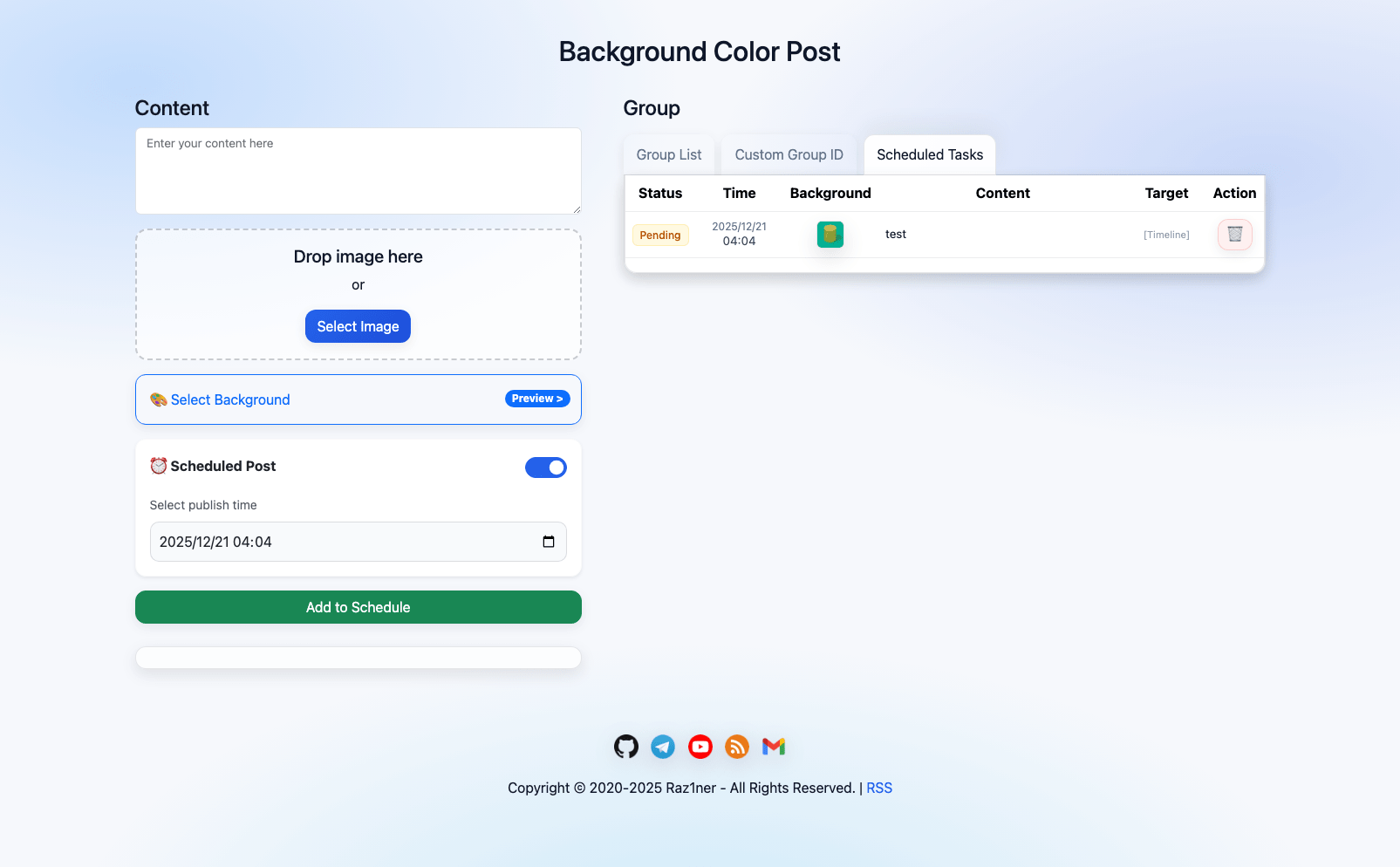
Task status description:
Pending: The scheduled time has not been reached yet.
Processing: The post is currently being published.
Success: The post has been successfully published.
Failed: An exception occurred and the post was not published.
Expired: If the task exceeds the scheduled time by more than 10 minutes, it will be marked as expired and will not be published.
Note: The browser must remain open. The extension runs posting tasks silently in the background; if the browser is closed, the tasks will not be published.


